Best ADHD Family Organizer Apps 2026
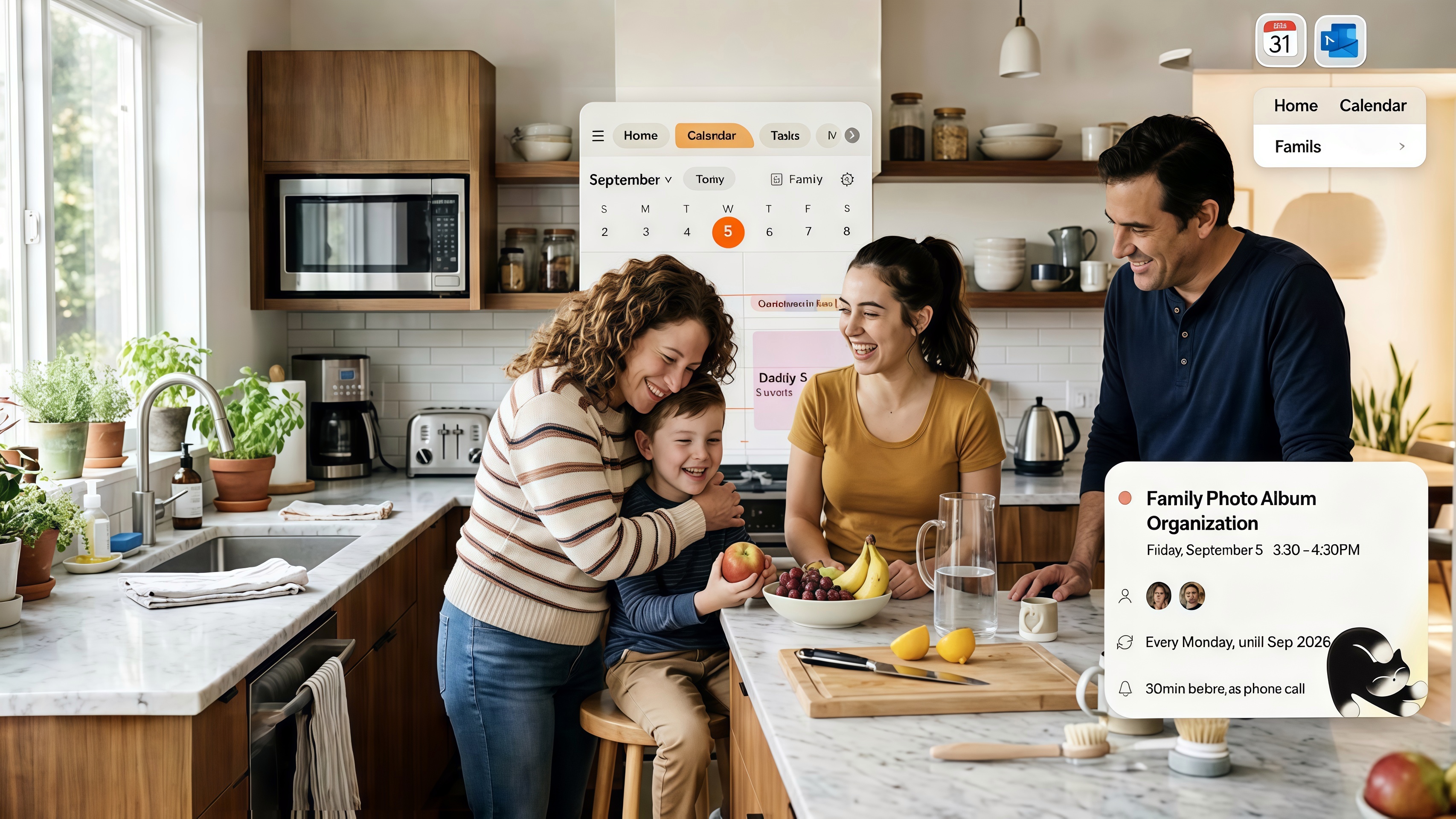
ADHD families need organizers that work with their brain—not against it. The best ADHD family organizer apps 2026 offer low-friction input (voice, photo, email), automation, and reminders that actually work. Here's how the top options compare. For voice-specific options, see best voice to-do list app; for reducing mental load, see how to reduce mental load as a parent.
Key Takeaways
- Voice input captures tasks and events in the moment—before they're forgotten
- Photo and email input reduce the "I need to type this" barrier
- Nori supports voice, photo, and email—built for low-friction capture
- WhisperPlan focuses on ADHD-specific voice task management
- Avoid apps that require multiple steps to add a single item
Why ADHD Families Need Different Tools
ADHD research suggests that executive function challenges make low-friction capture essential. ADHD brains work best when:
- Capture is instant — Voice or photo, not "I'll add it when I get to my desk"
- Friction is minimal — One step, not five
- Reminders are hard to ignore — Call alerts > push notifications
- Systems hold the load — The app remembers so you don't have to
Top 5 ADHD Family Organizer Apps for 2026
1. Nori — Best for Multi-Modal, Low-Friction Input
Nori adds events and tasks by voice, photo, or email. Say it, snap it, or forward it—no typing. Reduces the "I'll add it later" trap by capturing in the moment. Family-shared. 98% of users report reduced mental load.
Best for: ADHD families who want voice, photo, and email in one app.
2. WhisperPlan
WhisperPlan focuses on voice task management for ADHD. Voice-to-task with smart categorization. Strong for individuals who need voice-first capture.
Best for: Individuals with ADHD who want a dedicated voice task app.
3. Cozi
Cozi offers a family hub with calendar, lists, and meal planning. Manual entry. Simple structure. Good if you prefer a straightforward, low-complexity app.
Best for: ADHD families who want simplicity over automation.
4. Todoist
Todoist supports natural language when typing ("dentist tomorrow 10am") and recurring tasks. Less voice-native than Nori. Good for list-focused users.
Best for: ADHD users who can type quickly and want strong task structure.
5. Apple Reminders + Siri
Apple Reminders with Siri can add by voice. Shared lists work. Siri doesn't always assign to the right list. Free for Apple users.
Best for: Apple households who want free, basic voice add.
Voice-First: The ADHD Game-Changer
Voice input is the biggest differentiator for ADHD. When a thought occurs— Pick up prescription Thursday"—you can capture it immediately by speaking. No finding the app, no typing, no "I'll do it later." The moment you think it, it's captured.
Why typing fails for ADHD: Typing requires multiple steps. Open the app. Tap "new." Choose the right list. Type the task. Confirm. Each step is a chance to get distracted or forget. The thought that was urgent at 9am is gone by 9:05. Voice collapses those steps into one: say it, and it's done.
Why photo and email help: When a flyer or email arrives, the "I need to add this" moment is now. If you have to type it later, you might forget. Photo and email input let you capture at the source—snap or forward, and the event is added. No delayed entry.
The "I'll add it later" trap: This is the ADHD killer. Later often never comes. The solution isn't willpower—it's reducing the friction so "later" isn't necessary. Voice, photo, and email make capture instant. See how to reduce mental load as a parent for more on automation and mental load.
Call Alerts for Critical Events
Push notifications get buried. For ADHD, call alerts are more effective. A phone call is harder to ignore. Nori's Call Alert calls you before important events—pickups, appointments—so you don't miss them.
What to Avoid: High-Friction Apps for ADHD
- Multiple steps to add one item — If adding a task requires opening the app, tapping "new," choosing a list, typing, and confirming—that's too many steps. One step (voice or photo) is ideal.
- Apps that require "later" — "I'll add it when I get to my desk" often means never. Capture at the source.
- Scattered systems — Calendar in one app, tasks in another, meals in a third. Context-switching adds cognitive load. Unify when possible.
- Passive reminders only — Push notifications get buried. For critical events, use call alerts or more prominent reminders.
ADHD and Family Coordination: The Partner Dynamic
When one parent has ADHD, the other often becomes the "default" for logistics. That creates imbalance and resentment. A shared system—with low-friction input—lets both contribute. The ADHD parent can capture by voice when the thought occurs. The non-ADHD parent can add when they have a moment. The system holds it; everyone sees it. No more "I thought you were going to add that."
Involving kids: Older kids with ADHD can add their own events. Voice input helps—they don't have to stop to type. The shared calendar becomes a family habit; everyone checks it. Reduces "I didn't know" moments.
Comparison: ADHD-Friendly Features
| App | Voice | Photo | Call Alerts | Family Sharing | |
|---|---|---|---|---|---|
| Nori | Yes | Yes | Yes | Yes | Yes |
| WhisperPlan | Yes | Yes | Yes | Varies | Limited |
| Cozi | Yes | Yes | Yes | Yes | Yes |
| Todoist | Assistant | Yes | Yes | Yes | Yes |
| Apple Reminders | Siri | Yes | Yes | Yes | Yes |
Key takeaway: Nori is the only option that combines voice, photo, and email with family sharing and call alerts. For ADHD families, that combination is hard to beat.
Quick Tips for ADHD Family Organization
- Capture immediately — The moment you think it, say it or snap it. Don't wait.
- One app — Calendar, tasks, meals in one place. Fewer places to check.
- Call alerts for critical — Pickups, appointments. Push notifications get buried.
- Weekly review — 10 minutes to catch stragglers. Don't skip it.
- Forgive the system — If you forget to add something, add it when you remember. The goal is progress, not perfection.
- Reduce friction everywhere — Put the app on your home screen. Use voice shortcuts. The easier it is, the more you'll use it.
Real-World ADHD Family Scenarios
Morning chaos — "Add pick up Emma at 3pm." Say it while making breakfast. No stopping. No "I'll add it when I sit down." It's captured. The system reminds you.
Flyer in the backpack — Snap it. The event is extracted. Both parents see it. No delayed entry. No "I forgot to add the field trip." Photo input removes the "add later" step entirely.
Driving and remembering — "Add call dentist tomorrow at 9." Hands on the wheel. Voice captures it. No pulling over. No forgetting by the time you get home.
Partner coordination — Shared calendar means both see the schedule. No "Did you add that?" The ADHD parent can capture by voice when the thought occurs. The non-ADHD parent can add when they have a moment. The system holds it; everyone benefits.
Medication and routines — Call alerts for critical events. For medication, use whatever works: phone alarm, dedicated app, pill organizer. The family organizer handles logistics; medication reminders may need a separate system. The key: use what you'll actually notice.
Getting Started: ADHD-Friendly Setup
- Download Nori or WhisperPlan — Choose based on family (Nori) vs. individual (WhisperPlan) focus.
- Connect your calendar — Google, Apple, or Outlook. Events appear everywhere.
- Add family members — Shared visibility is essential.
- Test voice — Say "Add milk to grocery." Verify it lands on the right list. Say "Add dentist Tuesday 10am." Verify it creates a calendar event.
- Set call alerts — For pickups and critical appointments. Push notifications get buried; calls don't.
- Weekly review — Sunday evening or Monday morning. 10 minutes. Add stragglers. Check conflicts. Don't skip—it's the safety net.
Pro tip: Don't try to perfect the system on day one. Use it. Add by voice when you think of something. Snap flyers when they arrive. The system improves as you use it. Progress over perfection.
Conclusion
The best ADHD family organizer apps 2026 reduce friction. Nori captures by voice, photo, and email—so you can add in the moment, not "later." Try Nori free.
FAQ: Best ADHD Family Organizer Apps 2026
Which family organizer is best for ADHD? Nori leads with voice, photo, and email input—low-friction capture. WhisperPlan focuses on ADHD-specific voice task management. Cozi offers simplicity if you prefer manual entry with minimal complexity.
Why does voice input help ADHD? ADHD brains work best when capture is instant. Voice captures in the moment—when the thought occurs—before it's forgotten. Typing requires stopping, finding the app, and focusing; that friction leads to delay and lost tasks.
Do ADHD organizers work with shared family calendars? Yes. Nori, Cozi, and FamilyWall support shared calendars and lists. Nori's voice input adds directly to shared family lists; Siri/Google may not.
Are there free ADHD family organizer apps? Nori's core features are free. Cozi and Apple Reminders offer free tiers. WhisperPlan uses a subscription.
What about medication reminders? Some ADHD organizers integrate with reminders. Nori's call alert can remind you of critical events. For medication specifically, consider dedicated apps or phone alarms—whatever you'll actually notice.
How do I get my family to use the same app? Start with one person (usually the one with ADHD or the primary scheduler) adding everything. Share the calendar and lists. When the system becomes the default ("if it's not in the app, it doesn't exist"), others adopt. Low-friction input helps—everyone benefits from voice and photo.
Related Articles
- Best Voice To-Do List App 2026
- How to Organize Family Schedule (Without Losing Your Mind)
- How to Reduce Mental Load as a Parent
- Hands-Free Scheduling for Busy Parents
Written by the Nori Team.