Best Family Shopping List App 2026
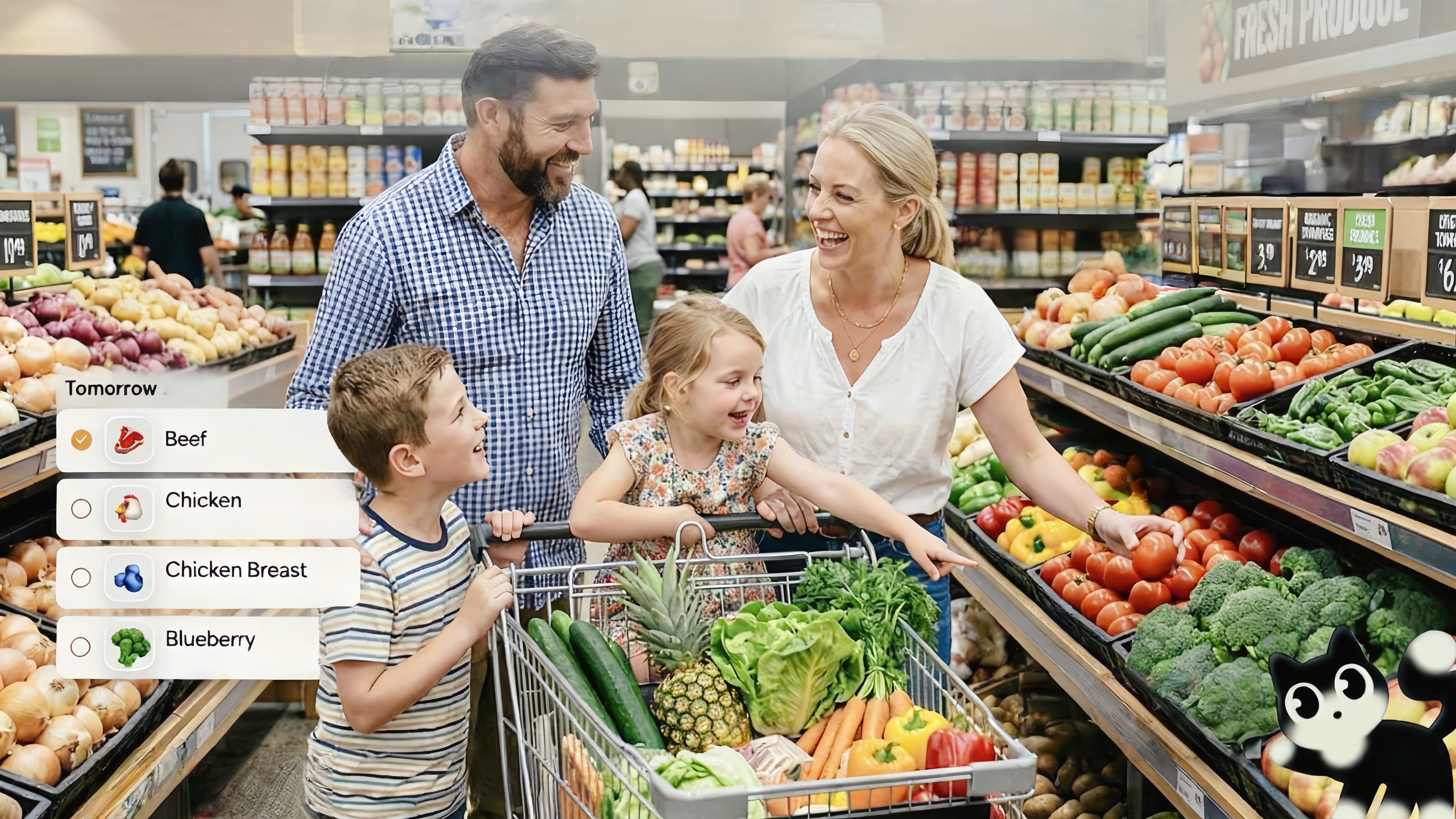
A family shopping list app should be shared, easy to update, and—ideally—connected to meal planning. The best family shopping list app 2026 auto-generates from your meal plan and supports voice input so anyone can add items on the go. Here's how the top options compare. For meal planning integration, see best meal planning app for families; for shared tasks, see best shared to-do list apps for families.
Key Takeaways
- Nori auto-generates shopping lists from meal plans and supports voice/photo/email input
- AnyList and Cozi offer shared lists with manual entry
- Meal-plan-to-grocery is a game-changer—plan meals, get the list automatically
- Voice input lets anyone add "milk" or "bread" without stopping to type
What to Look for in a Family Shopping List App
| Feature | Why it matters |
|---|---|
| Shared access | Everyone can add and check off items |
| Meal plan integration | Meal plan — auto grocery list = less manual work |
| Voice input | Add items while driving or cooking |
| Categories | Produce, dairy, etc.—easier shopping |
Why Meal-Plan-to-Grocery Matters
When you plan meals for the week, you know what ingredients you need. An app that auto-generates a grocery list from your meal plan saves time and reduces "what did we need?" stress. You pick meals; the app breaks down ingredients, deduplicates (e.g., "2 cups flour" from two recipes becomes one line), and creates the list. No more flipping through recipes with a pen. Nori does this automatically; Paprika and Cozi require manual list building from your plan.
The manual alternative: Without auto-generation, you open each recipe, write down ingredients, combine duplicates, and hope you didn't miss anything. For 5–7 meals, that's 15–10 minutes. With auto-generation, it's seconds. The list is ready when you are.
Staples and extras: Auto-generated lists cover meal ingredients. But you also need staples—milk, bread, paper towels. Voice input fills the gap: "Add milk to grocery" or "Add dish soap." The item goes to the shared list. No typing. No "I'll add it when I get to the store" (which often means forgetting).
Top 6 Family Shopping List Apps for 2026
1. Nori — Best for Meal Plan + Voice + Auto List
Nori generates shopping lists automatically from your meal plan. Plan your week—Nori breaks down ingredients into a grocery list. Add items by voice, photo, or email. Family-shared. Integrates with calendar and tasks.
Best for: Families who want meal-plan-to-grocery automation and voice input.
2. AnyList
AnyList offers shared shopping lists, Siri integration, and recipe-to-list. Subscription ($9.99/year individual, $14.99 family). Strong for list-focused families.
Best for: Families who want a dedicated list app with Siri.
3. Cozi
Cozi combines shopping lists with calendar, meal planning, and to-dos. Manual entry. Proven for family coordination.
Best for: Families who want lists as part of an all-in-one hub.
4. OurGroceries
OurGroceries provides shared lists with voice (Alexa, Google). Simple and effective. No meal plan integration.
Best for: Families who want voice and sharing without meal planning.
5. Paprika
Paprika is a recipe manager with meal planning and grocery lists. One-time purchase. Manual list generation from recipes.
Best for: Recipe collectors who want list-from-recipes.
6. Apple Reminders
Apple Reminders with shared lists works for Apple households. Free. Manual entry. Siri can add.
Best for: Apple-only families who want simple, free sharing.
Meal Plan to Grocery: Why It Matters
When you plan meals, you know what ingredients you need. An app that auto-generates a grocery list from your meal plan saves time and reduces "what did we need?" stress. Nori does this: plan meals — get the list. For recipe integration, see best recipe manager app.
Voice Input for Shopping Lists
Anyone can add "milk" or "bread" without stopping to type—voice input is perfect for shopping lists. You're driving, cooking, or walking; you remember you need something; you say it. Nori supports voice natively; OurGroceries uses Alexa/Google; AnyList uses Siri. For families, native voice (Nori) tends to add to the correct shared list more reliably than assistant-based voice.
Shopping List Workflow: From Plan to Checkout
- Plan meals — Pick 5–7 dinners for the week. Use AI suggestions or your recipe library.
- Generate list — The app breaks down ingredients, deduplicates, and creates the list.
- Add extras — Voice: "Add paper towels, dish soap." Items go to the shared list.
- Shop — Check off as you go. Everyone sees the list; no duplicate purchases.
- Repeat — Next week, plan again. The list regenerates. Add staples by voice as you run low.
Comparison: Shopping List App Features
| App | Meal Plan — List | Voice | Shared | Calendar/Tasks |
|---|---|---|---|---|
| Nori | Auto | Native | Yes | Yes |
| AnyList | Manual | Siri | Yes | Yes |
| Cozi | Manual | Yes | Yes | Yes |
| OurGroceries | Yes | Alexa/Google | Yes | Yes |
| Paprika | Manual | Yes | Limited | Yes |
| Apple Reminders | Yes | Siri | Yes | Yes |
Key differentiator: Nori is the only app that auto-generates from meal plans and supports native voice. Others require manual list building or rely on Siri/Alexa, which may not add to the correct shared list.
At the Store: Making the List Work
Check off as you go — Both shoppers see the list. When one checks off "milk," the other sees it. No duplicate purchases. No "Did you get the butter?"
Add on the fly — See something you need? "Add olive oil to grocery." Voice adds it. The next shopper sees it. Or you grab it before you leave the aisle.
Categories — Many apps group by produce, dairy, etc. Shop by section. Fewer backtracking trips. Nori and Cozi support this; check your app's organization.
Split shopping — One person does produce; another does dairy. Both work from the same list. Check off as you go. Meet at checkout.
Real-World Shopping List Workflows
Sunday planning — Plan 5–7 dinners. App generates grocery list. Add staples by voice: "Add milk, bread, eggs." List is ready. Whoever shops during the week has the full list.
At the store — See something you need? "Add olive oil to grocery." Voice adds it. Your partner sees it. Or you grab it before leaving the aisle. No typing. No "I'll add it when I get home."
Cooking and realizing — "We're out of vanilla." "Add vanilla extract to grocery." Hands are busy. Voice captures it. The list updates. Next shopper sees it.
Split shopping — One person does produce; another does dairy. Both work from the same list. Check off as you go. Meet at checkout. No duplicate purchases. No "Did you get the butter?"
Meal plan change — You swapped Tuesday's dinner. Regenerate the list. The app updates. Ingredients for the new meal replace the old. Staples stay. No manual list editing.
Getting Started: Shopping List in 5 Minutes
- Choose your app — Nori for meal-plan-to-grocery + voice. Cozi for manual all-in-one. AnyList for Siri + lists.
- Connect meal planning — If the app supports it (Nori, Cozi, Paprika), link your meal plan. Generate the list.
- Add family members — Shared list. Everyone can add and check off.
- Add your first items — Voice: "Add milk, bread, eggs." Or type. See how it works.
- Shop — Use the list. Check off as you go. Add on the fly by voice. The list stays current.
Pro tip: Put the app on your home screen. When you think of something, add it immediately. "Add dish soap." Done. No "I'll add it when I get to the store" (which often means forgetting).
Quick Reference: Shopping List App Features
| App | Meal Plan — List | Voice | Shared | Calendar/Tasks |
|---|---|---|---|---|
| Nori | Auto | Native | Yes | Yes |
| AnyList | Manual | Siri | Yes | Yes |
| Cozi | Manual | Yes | Yes | Yes |
| OurGroceries | Yes | Alexa/Google | Yes | Yes |
| Paprika | Manual | Yes | Limited | Yes |
| Apple Reminders | Yes | Siri | Yes | Yes |
Nori is the only app that auto-generates from meal plans and supports native voice. Others require manual list building or rely on Siri/Alexa, which may not add to the correct shared list. For meal planning, see best meal planning app for families.
Conclusion
Nori leads the best family shopping list app 2026 with meal-plan-to-grocery automation and voice input. Try Nori free.
FAQ: Best Family Shopping List App 2026
Which shopping list app generates from meal plans? Nori auto-generates grocery lists from your meal plan. Paprika and Cozi let you build lists from recipes manually. For meal planning, see best meal planning app for families.
Can I add items by voice? Yes. Nori supports voice for shopping lists. OurGroceries uses Alexa/Google. AnyList uses Siri. For shared family lists, Nori's native voice tends to work more reliably.
Is there a free family shopping list app? Nori's core features are free. Cozi, Apple Reminders, and OurGroceries offer free tiers. AnyList and Paprika have subscription or one-time purchase options.
Which app has shopping list + meal planning + calendar? Nori unifies all three. Cozi combines shopping, meal planning, and calendar with manual entry. For the full family hub, see best family organizer app.
How do I add items while at the store? Voice input. "Add butter" or "Add organic milk" — say it when you see something you need. The item goes to the shared list. When you get home, it's already there for the next shopper. Nori supports voice natively; OurGroceries uses Alexa/Google in the store.
What about categories (produce, dairy, etc.)? Many apps auto-categorize or let you organize by aisle. Nori and Cozi support categories. When you generate from a meal plan, ingredients often group by type. Easier shopping, fewer backtracking trips.
FAQ Additions
Can I share the list with someone who doesn't use the app? Some apps generate shareable links. Others require an account. Nori and Cozi support family sharing—everyone in the household has access. For one-off sharing (e.g., a visitor), a screenshot or exported list may work.
What if we have dietary restrictions? When you plan meals, filter by allergy or preference. The generated list reflects those meals. Nori's meal planning supports allergy filters; the grocery list inherits that. No unsafe ingredients from AI-suggested meals.
How do I handle multiple stores? Some families shop at different stores (Costco, Trader Joe's, regular grocery). Create separate lists per store, or tag items. Nori and Cozi support multiple lists. Plan accordingly.
Related Articles
- Best Meal Planning App for Families 2026
- Best Recipe Manager App 2026
- Best Shared To-Do List Apps for Families 2026
Written by the Nori Team.