Best Family Trip Planner Apps 2026 | AI Itinerary & Family Calendar Sync
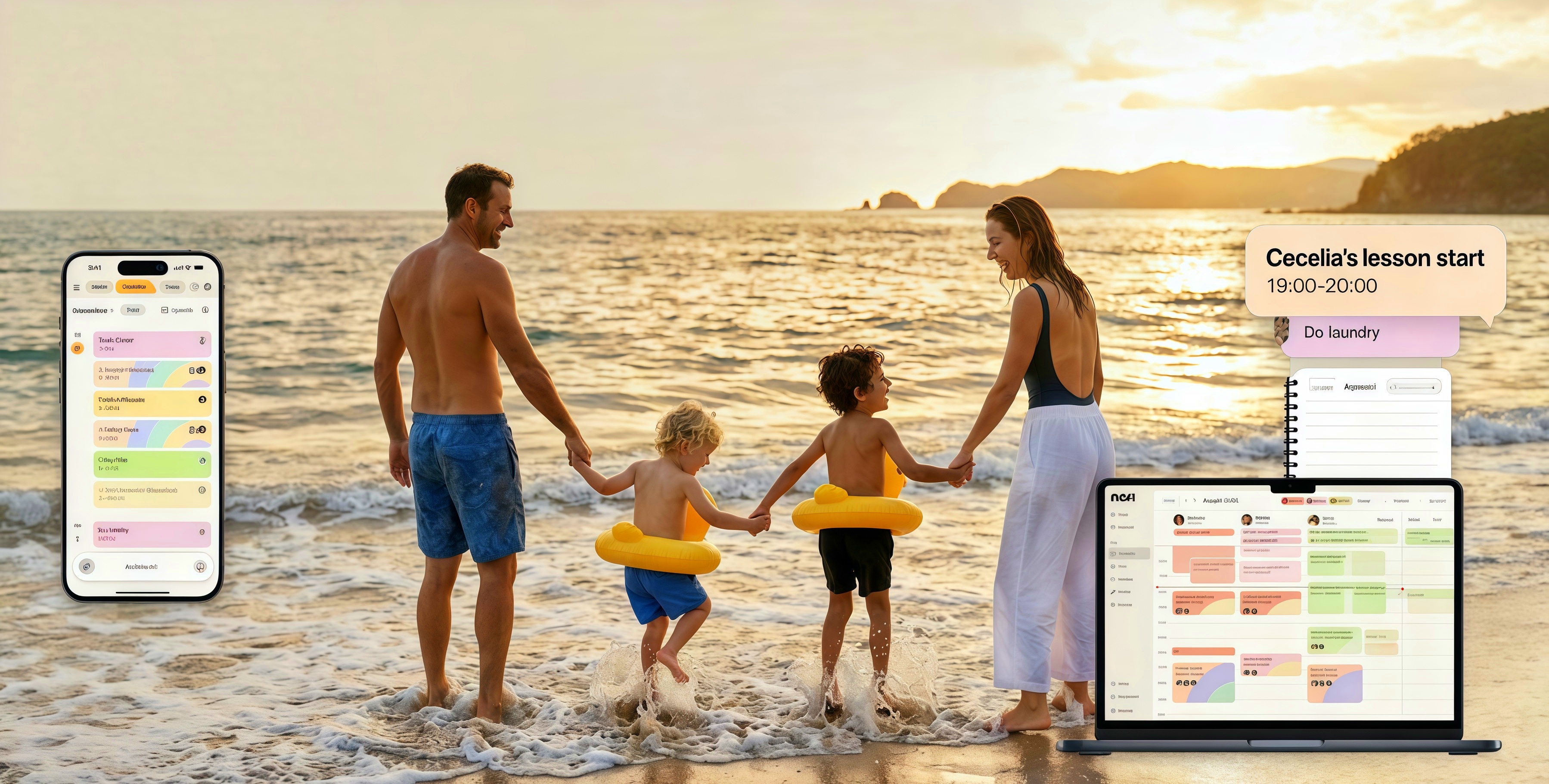
Planning a family trip means flights, hotels, activities, and—somehow—getting it all into your calendar. The best family trip planner apps 2026 use AI to generate itineraries and add events to your family calendar automatically. Here's how the top options compare. For calendar integration, see best family calendar app; for organizing the schedule, see how to organize family schedule.
The key differentiator: calendar integration. Many trip planners create itineraries; fewer add them directly to your family calendar. When everyone sees the trip on the shared calendar—flights, hotels, activities—coordination becomes easier. No more "What time is our flight?" in a separate app.
Key Takeaways
- Nori offers AI trip planning with itinerary generation and calendar integration
- Google Trips and Google Travel provide basic itinerary and booking
- TripIt and Wanderlog focus on itinerary organization and sharing
- Look for: AI-generated itineraries, family calendar sync, and shared access
What to Look for in a Family Trip Planner
| Feature | Why it matters |
|---|---|
| AI itinerary | Suggest activities, timing, and logistics |
Top 5 Family Trip Planner Apps for 2026
1. Nori — Best for AI Itinerary + Family Calendar
Nori lets you describe your trip (e.g., "Hawaii family vacation, 5 days, 2 kids") and AI generates an itinerary. Add it to your family calendar with one tap. Events sync across family members. Integrates with existing calendar, tasks, and meal planning.
Best for: Families who want AI-generated itineraries that land in their shared calendar.
2. Google Travel (Trips)
Google Travel combines flights, hotels, and reservations. Itinerary view from Gmail. Less AI-focused; more aggregation. Free.
Best for: Google users who want reservation aggregation.
3. TripIt
TripIt creates itineraries from confirmation emails. Forward confirmations—TripIt extracts and organizes. Pro for alerts. Strong for frequent travelers.
Best for: Families who want email-based itinerary organization.
4. Wanderlog
Wanderlog offers collaborative trip planning with maps and lists. Manual planning; no AI generation. Good for road trips and shared planning.
Best for: Families who want to plan together with maps.
5. Roadtrippers
Roadtrippers focuses on road trip planning—routes, stops, attractions. Less for flights and hotels. Good for driving vacations.
Best for: Families planning road trips.
AI Trip Planning: How It Works
AI trip planning typically:
- Input — Destination, dates, family size, preferences (e.g., "kid-friendly")
- Generate — AI suggests activities, timing, and logistics
- Review — Adjust, add, remove
- Export — Add to calendar, share with family
Nori generates itineraries and adds them directly to your family calendar—so everyone sees the plan and it integrates with your existing schedule.
What to Look for in a Family Trip Planner
- AI itinerary generation — Describe your trip (destination, dates, family size, preferences); AI suggests activities and timing
- Calendar integration — Add trip events to your family calendar with one tap
- Shared access — Everyone sees the plan; no "Did you forward the itinerary?"
- Flexibility — Kids get tired; weather changes. Adjust as you go
Trip Planning Workflow: From Idea to Calendar
- Describe your trip — Destination, dates, family size, preferences (kid-friendly, beach, hiking).
- Get AI suggestions — Nori generates activities, timing, and logistics.
- Review and adjust — Add, remove, reorder. Kids want the zoo? Add it.
- Add to calendar — One tap. Events sync to the family calendar. Flights, hotels, activities—everyone sees it.
- Forward confirmations — As bookings come in via email, forward them. They get parsed and added. No manual entry.
Family Trip Types: Which App Fits?
Beach vacation — AI can suggest beach days, water activities, and rest days. Nori adds to calendar. Wanderlog works for mapping nearby attractions.
Theme park trip — Reservations, show times, and park hours. Forward confirmation emails; they land on the calendar. TripIt aggregates reservations well.
Road trip — Roadtrippers for routes and stops. Wanderlog for collaborative planning. Nori for adding the overall trip and key stops to the family calendar.
International travel — Flights, hotels, activities across time zones. Forward confirmations; ensure the app handles time zones. Nori and TripIt parse these.
Weekend getaway — Shorter trips still benefit from one place for everything. Add to the family calendar so everyone sees the plan.
Packing and Pre-Trip Tasks
A trip isn't just events—it's tasks. "Pack suitcases," "Print boarding passes," "Arrange pet sitter." Add these to your family to-do list with due dates. The calendar shows when you leave; the task list shows what to do before then. Nori unifies both—trip events and pre-trip tasks in one app.
During the Trip: Managing the Itinerary
On the ground: The itinerary is on your calendar. Everyone sees it. "What time is the museum?" "When's our dinner reservation?" Check the app. No need to forward PDFs or print schedules.
Last-minute changes: Weather, kid tiredness, or a discovery. Adjust the plan. Add or remove events. The shared calendar updates. Everyone's on the same page.
Offline access: Download your itinerary before you go. Some apps support offline access. If you're in a spot with poor cell service, you can still see the plan.
Comparison: Trip Planner Features
| Feature | Nori | Google Travel | TripIt | Wanderlog |
|---|---|---|---|---|
| AI itinerary | Yes | Yes | Yes | Yes |
| Email parsing | Yes | Yes | Yes | Yes |
| Family calendar | Yes | Limited | Limited | Yes |
| Collaborative planning | Yes | Yes | Yes | Yes |
| Road trip focus | Yes | Yes | Yes | Yes |
Nori is the only option that generates AI itineraries and adds them directly to your family calendar. TripIt and Google Travel aggregate from emails; Wanderlog is collaborative but manual. For AI + family calendar, Nori leads.
Getting Started: Family Trip Planning
- Choose your app — Nori for AI itinerary + family calendar. TripIt for email aggregation. Wanderlog for collaborative road trips.
- Forward confirmations — Flights, hotels, activities. Forward each email. Events land on your calendar. No manual entry.
- Add family members — Shared calendar. Everyone sees the itinerary. They can add their own events (e.g., their flight arrival).
- Plan pre-trip tasks — "Pack suitcases," "Print boarding passes," "Arrange pet sitter." Add to your task list with due dates. The calendar shows when you leave; the task list shows what to do before then.
- Review before you go — Walk through the itinerary. Check times, time zones, locations. Fix any errors. Download for offline access if needed.
Pro tip: Forward confirmations as they arrive. Don't wait until the week before the trip. Your itinerary builds automatically. By departure day, everything is on the calendar—no last-minute "where's that confirmation?" scramble.
When Trip Planning Fails
Confirmation emails don't parse — Some emails have unusual formats. Forward anyway; the tool may extract something. If not, add manually. Or screenshot the key details and use photo-to-calendar if your app supports it. The goal is capture—use whatever method works.
Multiple events in one email — A single email may have flight, hotel, and activity. The tool may extract one or all. Review. Add missing events manually. Email-to-calendar is a starting point; verification ensures nothing is missed.
Time zone confusion — "8am local" vs. "8am home time" matters. Double-check flight times. When you travel, switch your device time zone—or the app may auto-detect. Don't miss a flight because of a time zone error.
Last-minute changes — Flight delayed. Hotel overbooked. Update the event in the app. The shared calendar syncs. Everyone sees the change. The system holds the latest; you just update it. Call alerts will use the updated time if you've set them.
Quick Reference: Trip Planner Features
| Feature | Nori | Google Travel | TripIt | Wanderlog |
|---|---|---|---|---|
| AI itinerary | Yes | Yes | Yes | Yes |
| Email parsing | Yes | Yes | Yes | Yes |
| Family calendar | Yes | Limited | Limited | Yes |
| Collaborative planning | Yes | Yes | Yes | Yes |
| Road trip focus | Yes | Yes | Yes | Yes |
Nori is the only option that generates AI itineraries and adds them directly to your family calendar. TripIt and Google Travel aggregate from emails; Wanderlog is collaborative but manual. For AI + family calendar, Nori leads. For more on family calendars, see best family calendar app.
Conclusion
The best family trip planner apps 2026 combine AI itinerary generation with family calendar integration. Nori does both—plan your trip, add it to your calendar. Try Nori free.
FAQ: Best Family Trip Planner Apps 2026
Which trip planner adds to my family calendar? Nori generates itineraries and adds them directly to your family calendar. TripIt and Google Travel create itineraries but don't automatically sync to family calendars in the same way.
Can AI plan a family vacation? Yes. Nori and similar apps let you describe your trip (e.g., "Hawaii, 5 days, 2 kids, beach-focused") and AI suggests activities, timing, and logistics. You review and adjust.
Is there a free family trip planner? Google Travel is free. Nori's core features are free; AI trip planning is pay-as-you-go. TripIt and Wanderlog have free tiers.
Which app is best for road trips? Roadtrippers focuses on road trip planning—routes, stops, attractions. Wanderlog offers collaborative planning with maps. Nori works for any trip type and adds to your calendar.
How do I add flight confirmations to my calendar? Forward the confirmation email. Nori and TripIt both parse emails and extract flight details. Nori adds events to your family calendar; TripIt creates an itinerary. For email-to-calendar workflows, see our how to forward email to calendar automatically guide.
Can I plan a trip with input from the whole family? Wanderlog supports collaborative planning—everyone can add activities. Nori generates an AI itinerary you can share and adjust. For shared family calendars, everyone sees the final plan once it's added.
FAQ for Family Trip Planning
Can I plan a trip with extended family? Yes. Add them to the shared calendar. They see the itinerary. They can add their own events (e.g., their flight arrival). Everyone stays coordinated.
What if I get confirmation emails from multiple sources? Forward them all to Nori. It parses flights, hotels, reservations. Adds to calendar. One inbox, one calendar.
How do I handle time zones? Most apps display in your local time. When you travel, switch your device time zone—or the app may auto-detect. Double-check flight times: "8am local" vs "8am home time" matters.
What about road trips with multiple stops? Add each stop as an event. "Stop 1: Gas and snack, 10am." "Stop 2: Lunch at X, 12:30pm." The calendar becomes your route. Or use Wanderlog for route planning, then add key stops to your family calendar.
Related Articles
- Best Family Calendar App 2026
- How to Organize Family Schedule (Without Losing Your Mind)
- Best Family Organizer App 2026
Written by the Nori Team.