Family Calendar for Sports Parents: Manage Kids' Activities
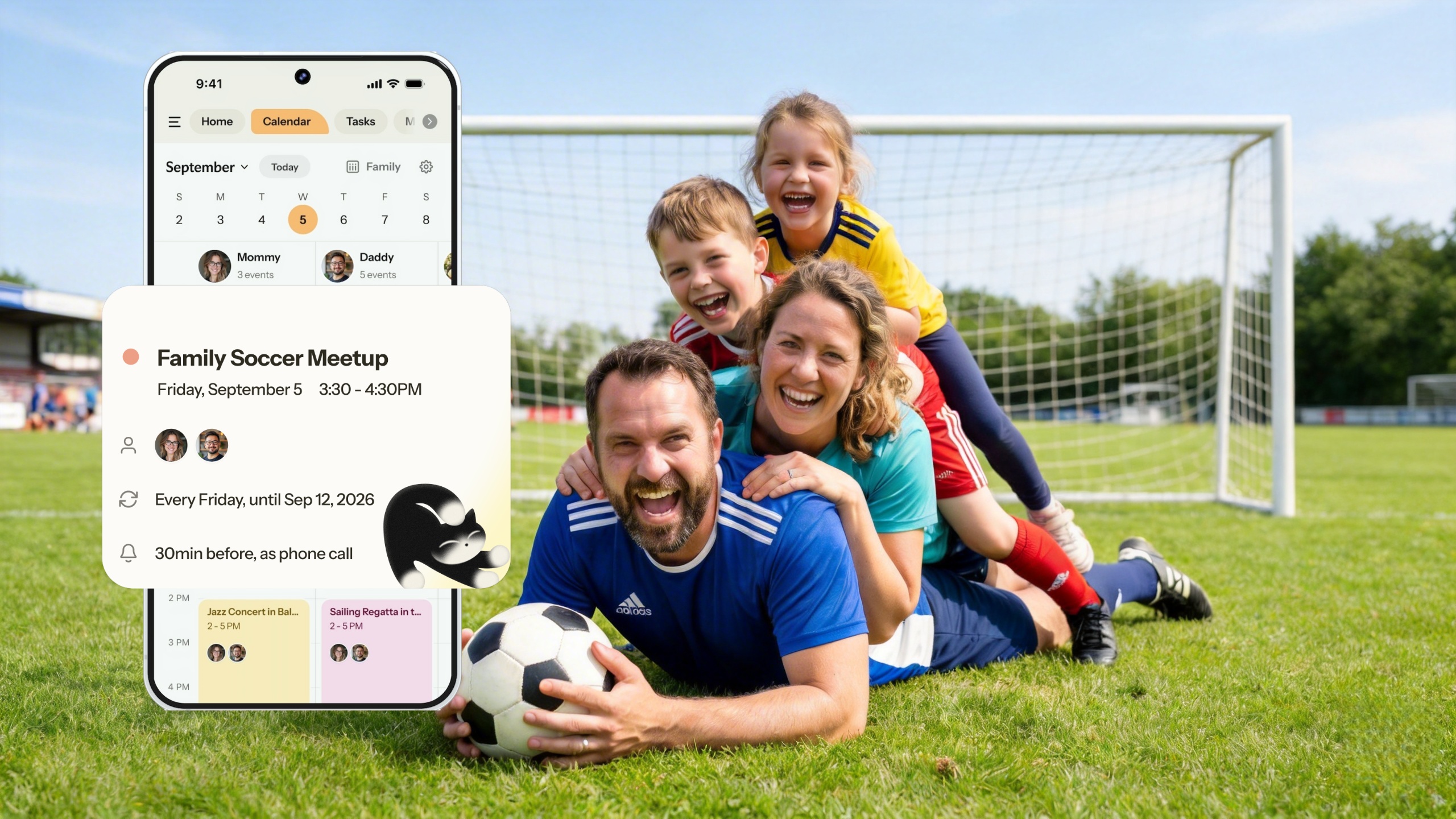
Sports parents juggle practices, games, tournaments, and carpool schedules. A family calendar for sports parents should make it easy to add those events—without typing. Photo-to-calendar turns a snapshot of a schedule into calendar events in seconds. For app options, see best photo to calendar app and how to add school flyers to calendar.
Key Takeaways
- Photo-to-calendar lets you snap a sports schedule and get events automatically
- Nori supports photo, voice, and email—add schedules from any source
- Shared family calendar keeps everyone (including carpool) on the same page
- Call alerts for game times ensure you don't miss pickup
The Sports Parent Challenge
Sports schedules arrive as:
- Paper handouts at practice
- PDFs in email
- Screenshots from team apps
- Verbal announcements
Typing each practice and game is tedious. When you're managing multiple kids and sports, it's unsustainable. A family with two kids in sports might have 20–30 events per week during season. Photo-to-calendar and email-to-calendar solve this: snap, forward, or say it—and the event is added. See best family calendar app for full app comparisons.
How to Add Sports Schedules to Your Family Calendar
Option 1: Snap a Photo
Take a photo of the printed schedule or a screenshot. Nori extracts events—practice times, game dates, locations—and adds them to your calendar. Recurring events (e.g., "every Tuesday 4:30 pm") are detected.
Option 2: Forward an Email
If the coach sends the schedule via email, forward it. Nori extracts events from the email and adds them. No typing.
Option 3: Say It Aloud
"Add soccer practice every Tuesday and Thursday at 4pm." Voice input works for recurring events. Nori understands natural speech.
Why Shared Family Calendar Matters for Sports
When both parents (and sometimes grandparents or carpool) need to know the schedule, a shared calendar is essential. Everyone sees:
- Practice times
- Game dates and locations
- Tournament weekends
- Any last-minute changes
No more "Did you tell Dad about the game Saturday?"
Carpool and Coordination
Sports parents often coordinate carpool with other families. A shared calendar makes it easy: everyone sees the schedule, so "Who's picking up Tuesday?" is answered by looking at the app. Some apps (like FamilyWall) add location sharing—useful when you're meeting at a field or parking lot. For most families, a shared calendar with clear event visibility is enough. Calendara and Nori both support photo-to-calendar for sports schedules; Cozi offers manual calendar entry for families who prefer typing.
Call Alerts for Game Days
Game days are critical. A missed pickup means a stranded kid. Nori's Call Alert calls you before important events—so you don't miss them, even when notifications are buried.
Tournament Season: Extra Tips
Tournament season is chaos: multiple games, different venues, early start times. Use photo-to-calendar for the full bracket. Add call alerts for the first game each day. Pack the night before. Have a "tournament bag" checklist (snacks, water, chairs, sunscreen) and add it to your family to-do list. For more on family task management, see best shared to-do list apps for families.
Multiple Kids, Multiple Sports
When you have two or more kids in different sports, the calendar fills fast. Color-code by child if your app supports it. Use photo and email input for every schedule that arrives—don't let them pile up. One shared calendar means you can see conflicts (e.g., two games at the same time) before they happen. Plan carpools early; add pickup responsibilities to the shared task list.
Season Transitions: Adding New Schedules
When a new season starts (fall soccer, winter basketball, spring baseball), new schedules arrive. Use the same workflow: snap the schedule or forward the email. The app extracts events. Set the end date for recurring practices (e.g., season ends in November). When the next season starts, add the new schedule. Don't try to hold it all in your head—let the system do the work.
Weather and Cancellations
Sports get cancelled—rain, snow, heat. When you get a cancellation notice (email, text, app notification), update the event in your calendar. Mark it cancelled or delete it. If you use call alerts, you won't get a call for a cancelled game—the event is gone. For last-minute changes, the shared calendar updates for everyone. No more "I didn't know practice was cancelled."
Equipment and Gear: Beyond the Calendar
Sports require gear—cleats, uniforms, water bottles, snacks. Add "pack soccer bag" or "wash uniform" to your family to-do list. Recurring for game days. The calendar tells you when; the task list tells you what to prepare. For shared task management, see best shared to-do list apps for families.
Last-Minute Changes and Rainouts
Sports schedules change. Practice cancelled. Game time moved. Rainout. When you get the update (email, text, team app), add it to your calendar. Forward the email if it's from the coach—Nori extracts the change. Update the event. The shared calendar syncs for everyone. No more "I didn't know practice was cancelled."
Call alerts for game days: Game days are critical. A missed pickup means a stranded kid. Nori's Call Alert calls you before important events—so you don't miss them even when notifications are buried. Set it for the first game of each day during tournament weekends.
Off-Season: Keeping the Calendar Ready
When the season ends, you don't need to delete everything. Recurring events can have end dates. Or you can leave them—they'll show as past. When the next season starts, add the new schedule. Photo or email. Same workflow. The calendar stays clean; you're ready for the next season.
Tryouts and sign-ups: Before the season, tryouts and registration deadlines arrive. Add those to your calendar too. "Soccer tryouts March 10–12." "Registration deadline February 15." Photo or forward the email. Don't miss sign-up.
Comparison: Sports Parent Calendar Features
| Feature | Nori | Calendara | Cozi |
|---|---|---|---|
| Photo-to-calendar | Yes | Yes | No |
| Email-to-calendar | Yes | No | No |
| Voice input | Yes | No | Limited |
| Shared family calendar | Yes | Yes | Yes |
| Call alerts | Yes | Yes | Limited |
| Sync (Google/Apple/Outlook) | Yes | Yes | Yes |
Nori leads for sports parents with photo, email, and voice—all three ways schedules arrive. Calendara is photo-only. Cozi is manual. For the most flexibility, Nori fits best.
Real-World Sports Parent Workflows
Practice schedule arrives → Coach sends a PDF or email. Snap the PDF or forward the email. Nori or Calendara extracts events. Recurring "every Tuesday 4pm" detected. Add to family calendar. Both parents see it. No retyping.
Game day → Multiple games. Different locations. Different times. Color-code by kid or by sport. The calendar shows the full picture. Call alerts for the first game of each day—don't miss pickup. Nori's Call Alert calls you before important events.
Tournament weekend → Multiple games. Different venues. Add each game. Add travel time between venues. The calendar becomes your route. Everyone sees the plan. No "I didn't know we had to be at field 3 at 2pm."
Rainout → Practice cancelled. Coach sends a text or email. Forward the email. Update the event. The shared calendar syncs. Everyone knows. No one shows up to an empty field.
Off-season → Season ends. Recurring events can have end dates. Or leave them—they'll show as past. When the next season starts, add the new schedule. Photo or email. Same workflow. The calendar stays clean. You're ready.
Quick Reference: Sports Parent Calendar Features
| Feature | Nori | Calendara | Cozi |
|---|---|---|---|
| Photo-to-calendar | Yes | Yes | No |
| Email-to-calendar | Yes | No | No |
| Voice input | Yes | No | Limited |
| Shared family calendar | Yes | Yes | Yes |
| Call alerts | Yes | Yes | Limited |
| Sync (Google/Apple/Outlook) | Yes | Yes | Yes |
Nori leads for sports parents with photo, email, and voice—all three ways schedules arrive. Calendara is photo-only. Cozi is manual. For the most flexibility, Nori fits best. For back-to-school scheduling, see back-to-school family schedule.
Conclusion
A family calendar for sports parents should reduce typing, not add it. Nori turns photos and emails of schedules into calendar events. Try Nori free.
FAQ: Family Calendar for Sports Parents
How do I add a sports schedule from a photo?
Snap a photo of the flyer or schedule. Nori and Calendara extract events and add them to your calendar. Review and confirm. See how to add school flyers to calendar.
Can I add recurring practices?
Yes. Photo-to-calendar apps detect patterns like "every Tuesday 4:30 pm" and create recurring events. Voice input works too: "Add soccer practice every Tuesday and Thursday at 4pm."
Which calendar app is best for sports parents?
Nori supports photo, voice, and email—so you can add schedules however they arrive. Calendara focuses on photo. For full app comparisons, see best photo to calendar app.
How do I share the schedule with my carpool?
Use a shared family calendar. Events sync to everyone's devices. If carpool partners use a different app, you can share a read-only link or export events—depending on your app's features.
What about tournament weekends?
Tournaments often have multiple games across a weekend. Snap the bracket or schedule; the app extracts each game. Add call alerts for the first game of each day so you don't oversleep. Recurring events don't work for tournaments—each game is unique—so photo or email input is ideal.
How do I handle last-minute schedule changes?
Update the event in the app. If the coach sends an email about a change, forward it—Nori extracts and can update. For shared calendars, the change syncs to everyone immediately. Call alerts will use the updated time.
How do I handle multiple kids in different sports?
Color-code by kid or by sport. Each child gets a color. Or each sport. When you look at the calendar, you instantly see who has what. Nori and Cozi support color-coding; Calendara does too.
What if the coach sends a PDF schedule?
Screenshot or photograph the PDF. Upload to Nori or Calendara. They extract events. Add to calendar. No retyping.
Can I share the calendar with grandparents who pick up?
Yes. Add grandparents to the shared calendar. They see pickup times and locations. No more "What time is soccer?" texts.
What about team apps (TeamSnap, SportsEngine)?
Team apps are great for rosters and game details. But they're separate from your family calendar. The workflow: when the team app sends a schedule update, add it to your family calendar. Or forward the email to Nori. One calendar for everything—sports, school, work, life.
Related Articles
- Best Family Calendar App 2026
- Best Photo to Calendar App 2026
- How to Add School Flyers to Calendar Automatically
- Best Family Organizer App 2026
Written by the Nori Team.